Uploading a Video
Videos can be uploaded to Conservator and organized later, or uploaded directly into a Project or Folder. It is recommended to upload directly into a Project or Folder to reduce loose assets.
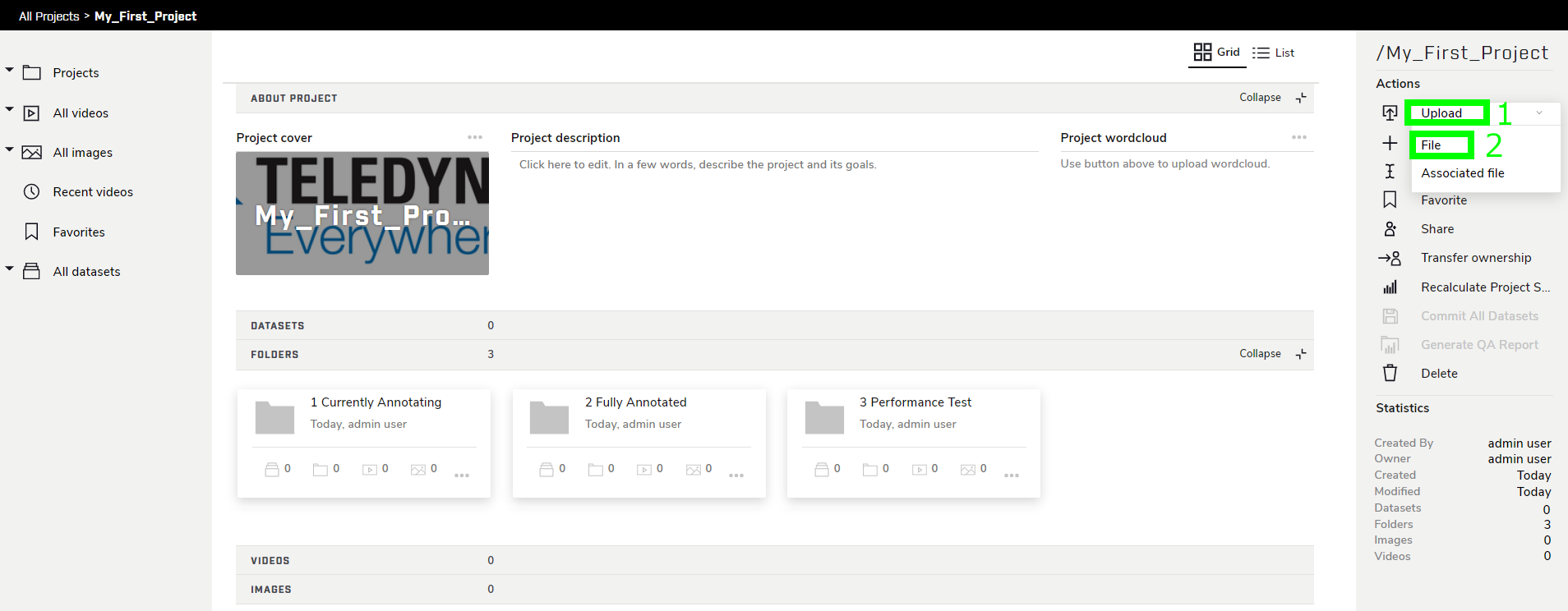
Navigate to the Projects page and choose your project, then click Upload → File in the right sidebar to access the Upload page.
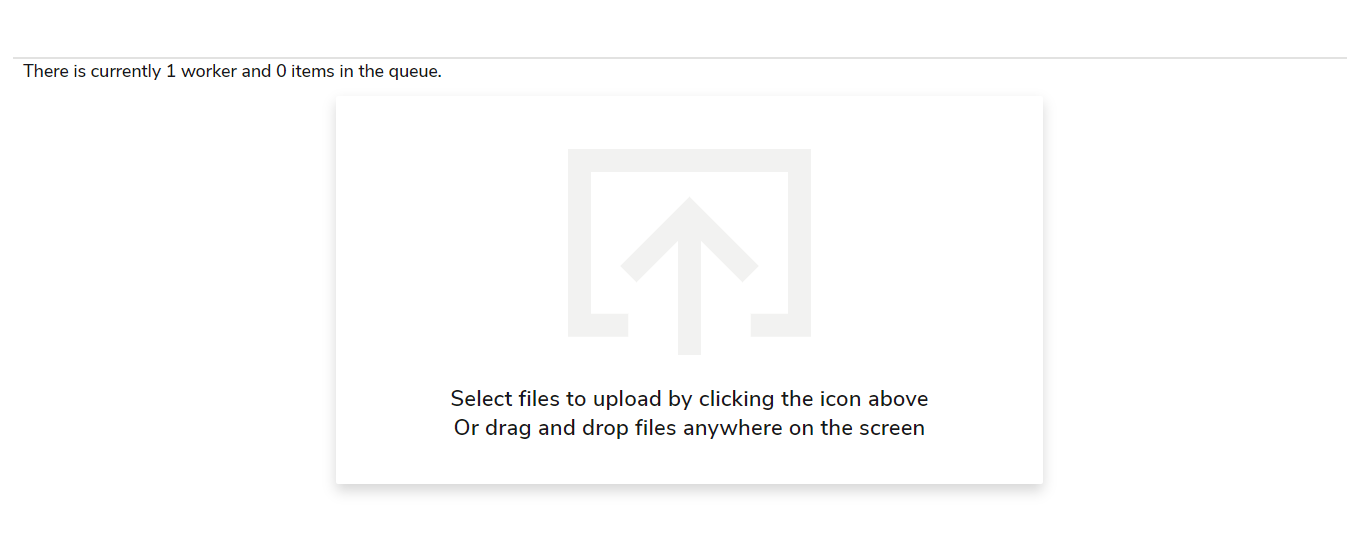
To upload a file, either click the DropZone in the center of the page to open a file explorer window, or drag and drop a file directly into the Drop Zone. Multiple files can be added to a single upload.
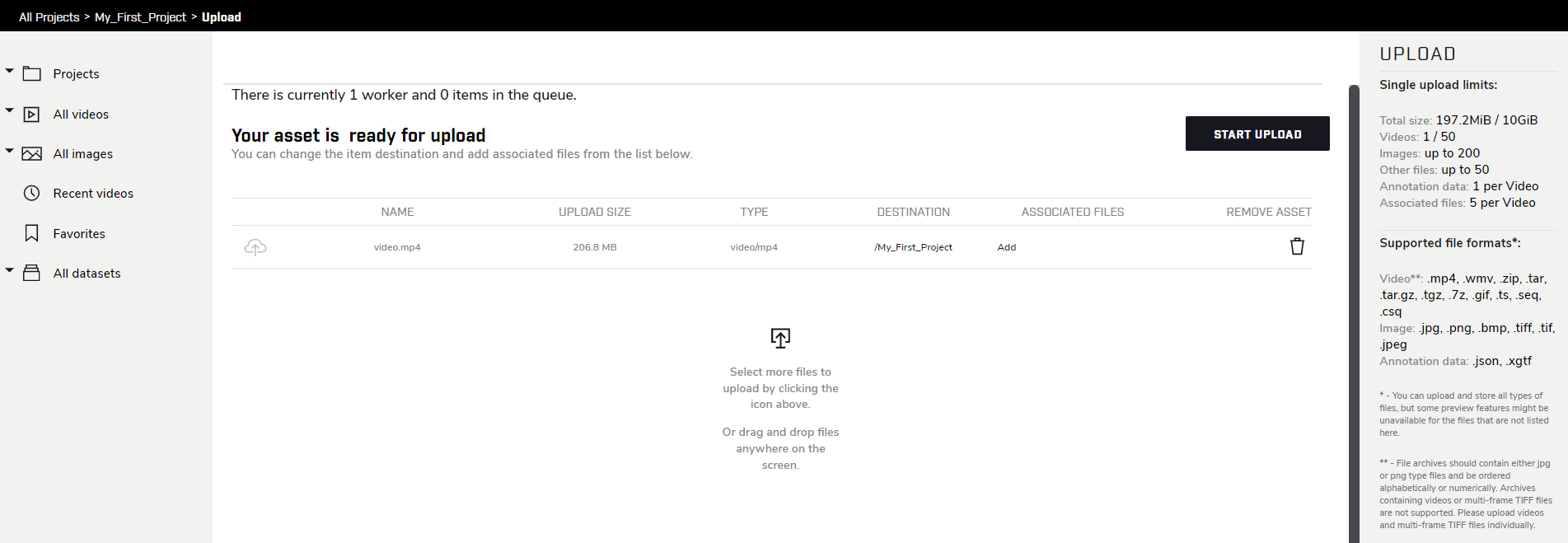 The Upload destination defaults to the Project or Folder from which the Upload page was accessed. The destination for each uploaded file can be manually changed regardless of where the Upload page was accessed from.
Once satisfied with the files to upload, click START UPLOAD. Note that large files may take several minutes to upload and process; you can leave this page while they are processing.