Moving a Dataset to a Project
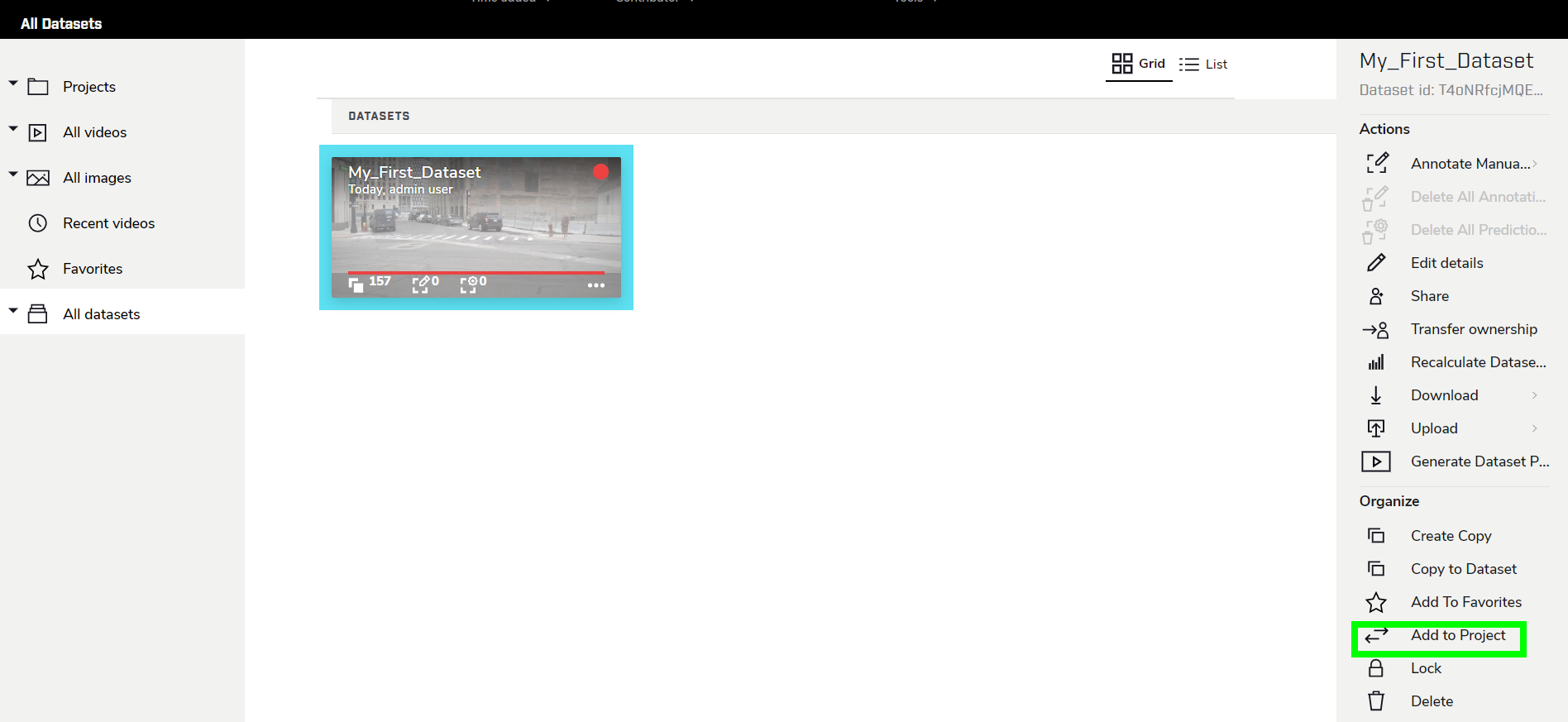
Now that the Dataset contains frames and an attached Label Set, the next step is to add it to the project. With the Dataset selected, click Add to project in the right sidebar.
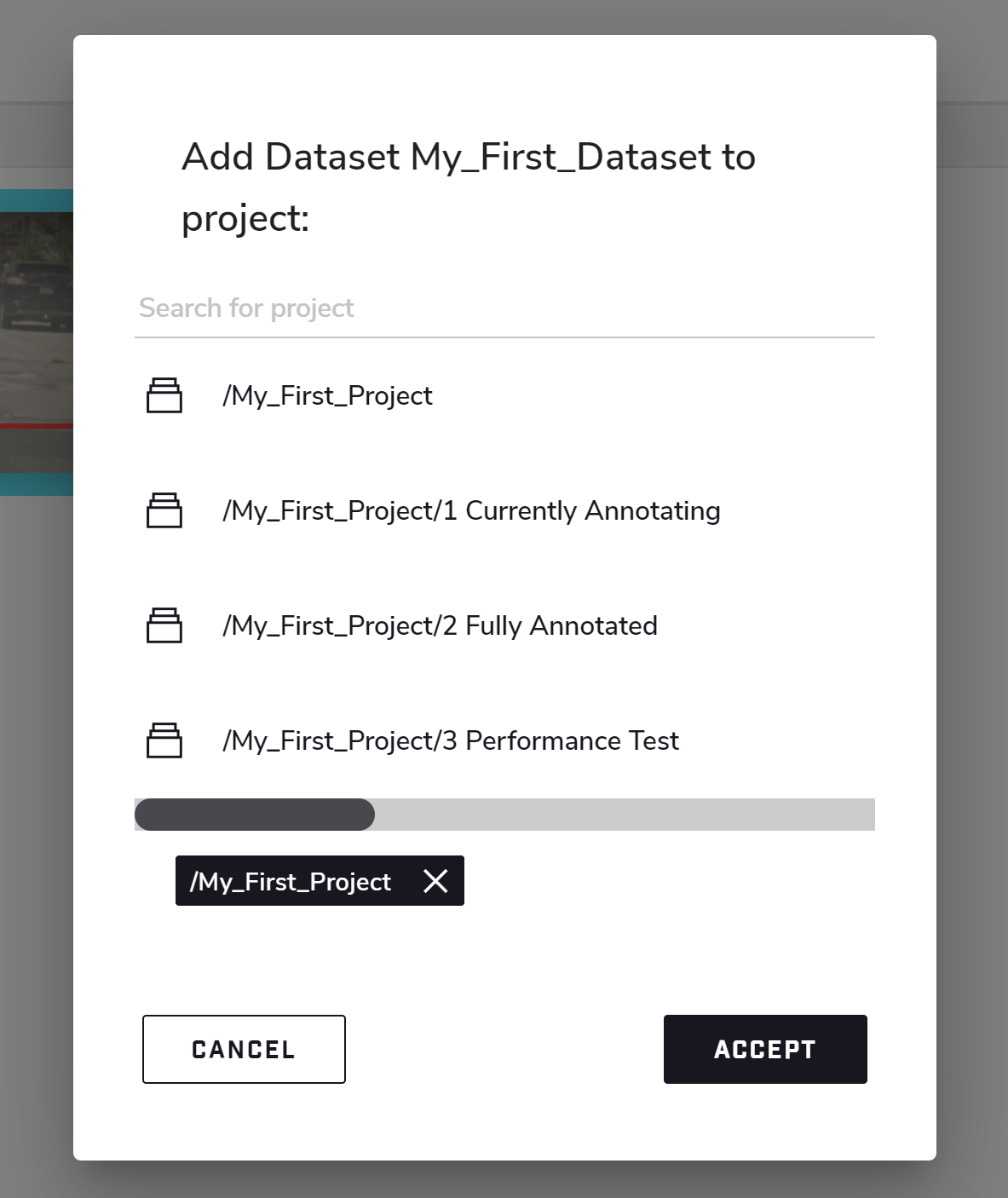
Click on the desired Project or Folder to add the Dataset to, then click Accept.
The Dataset will now appear in that project.
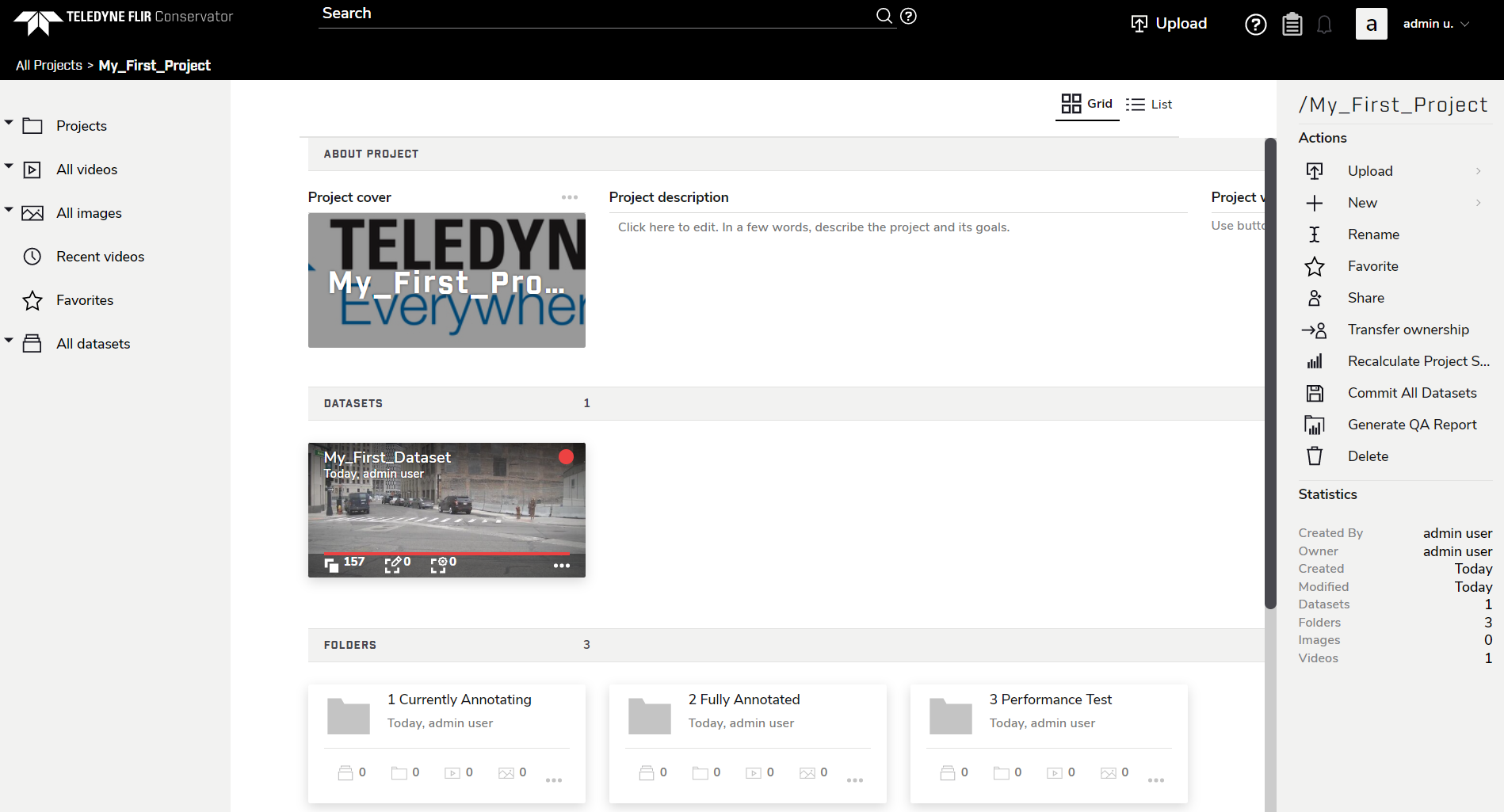
From here, you can drag and drop Datasets into different Folders. Dragging and dropping a Dataset will remove it from its current project or folder and add it to the project or folder you drop it on; if you drag and drop a Dataset while holding down the “c” key, the Dataset will be copied to the project or folder you drop it on, which allows the Dataset to be part of two folders or projects at the same time.