Creating and Organizing Projects
Projects are a way of organizing Datasets and Assets for a specific use case. While Datasets and Assets can be stored outside of Projects and found on the Videos, Images, and Datasets pages, it is recommended to keep them organized in a Project.
To create a project, go to the Projects page and click Start new project in the right sidebar.
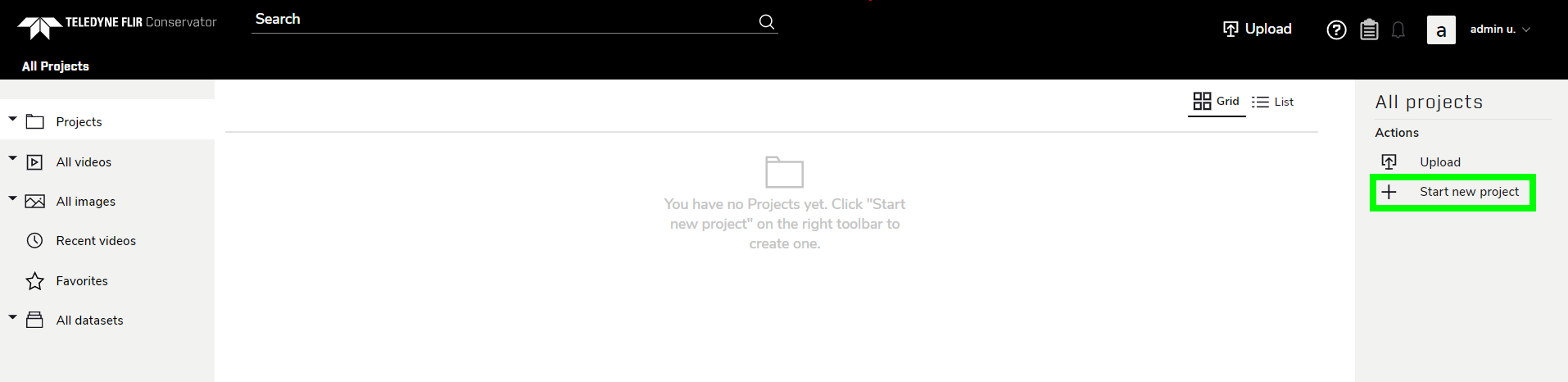
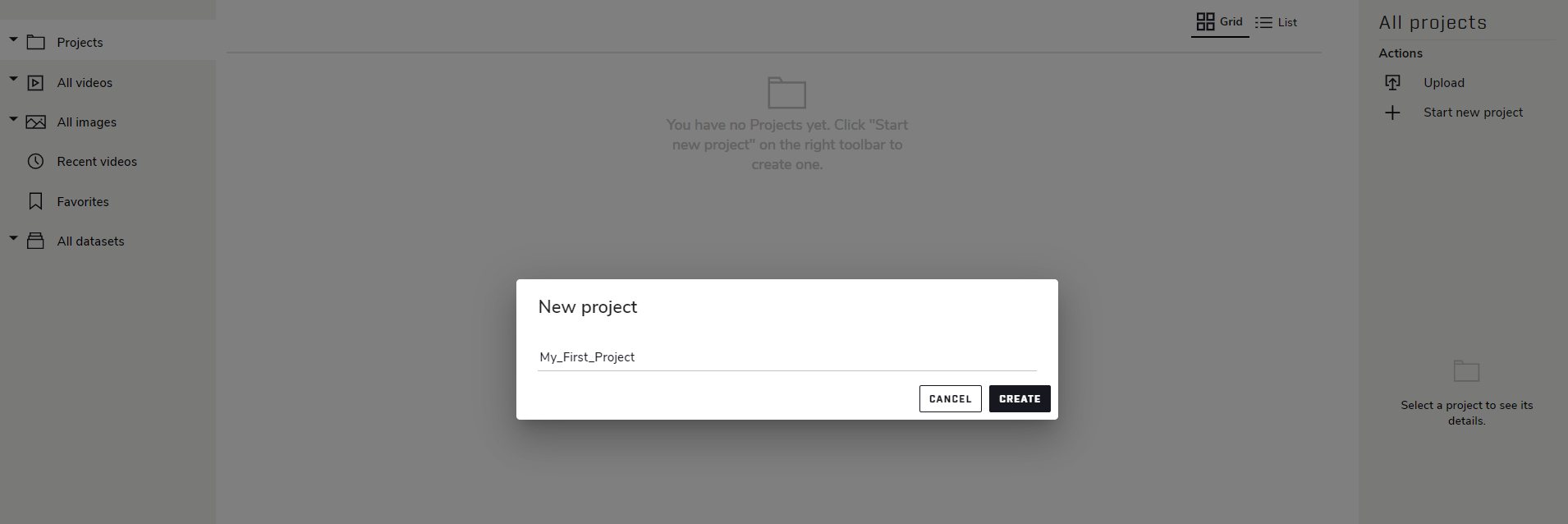
Enter the desired name for the project and click Create.
Your new project will appear in the Projects page.
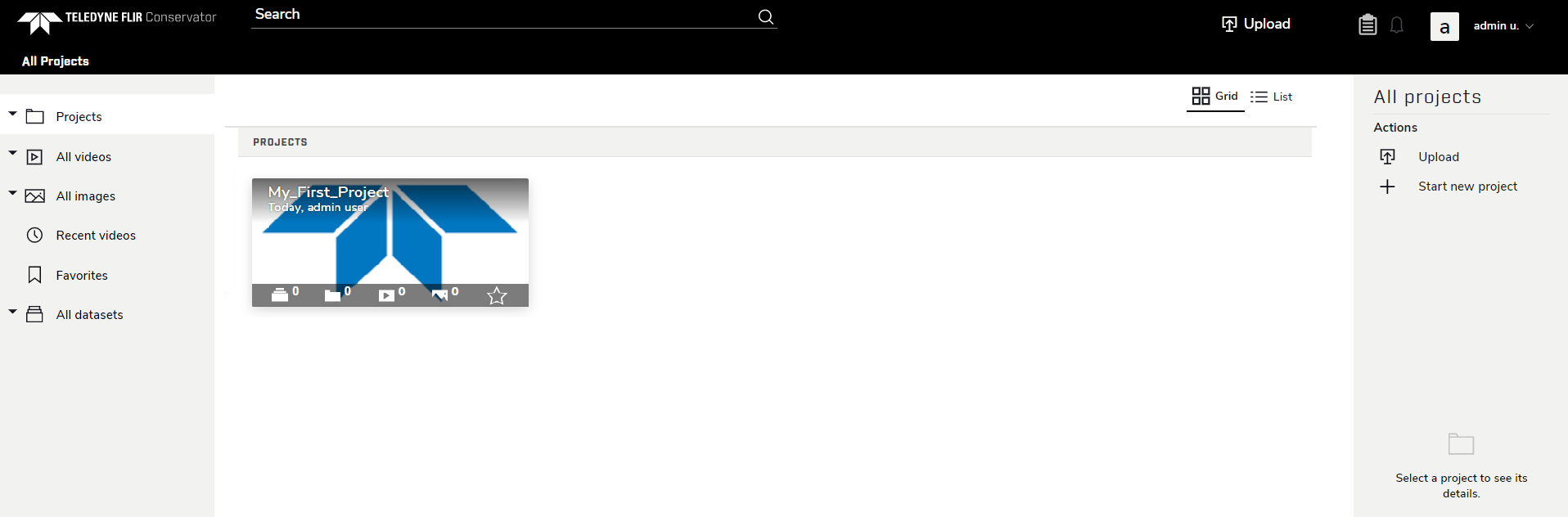
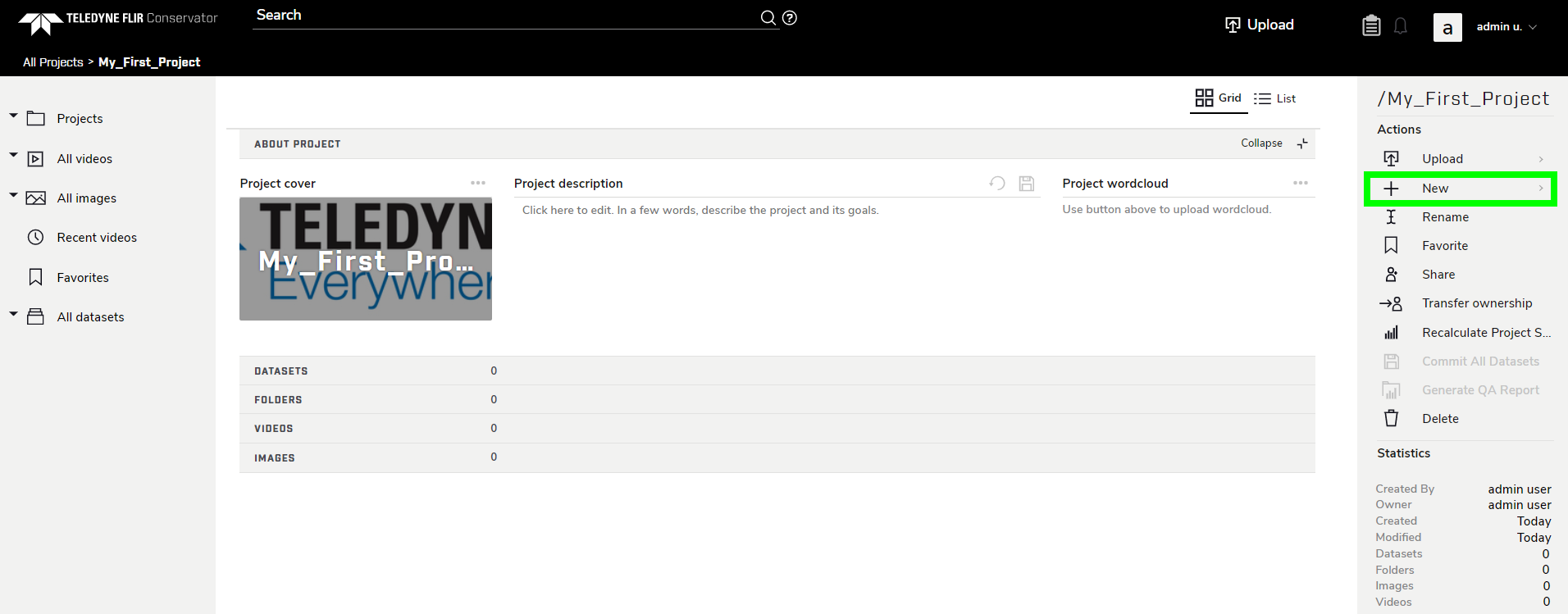
Click the thumbnail to open the project. The Project’s page contains sections for Datasets, Folders, Videos, and Images.
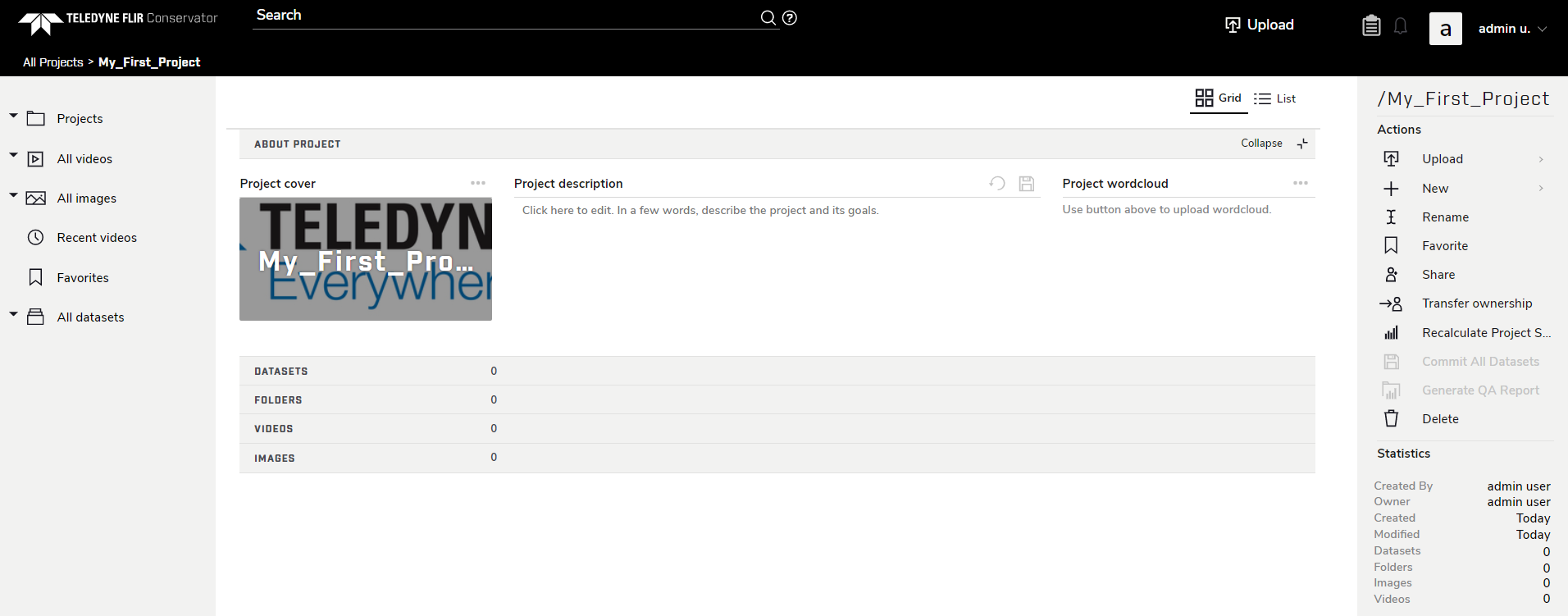
To create a new folder, go to New → Folder in the right sidebar, then enter a desired name for the folder.
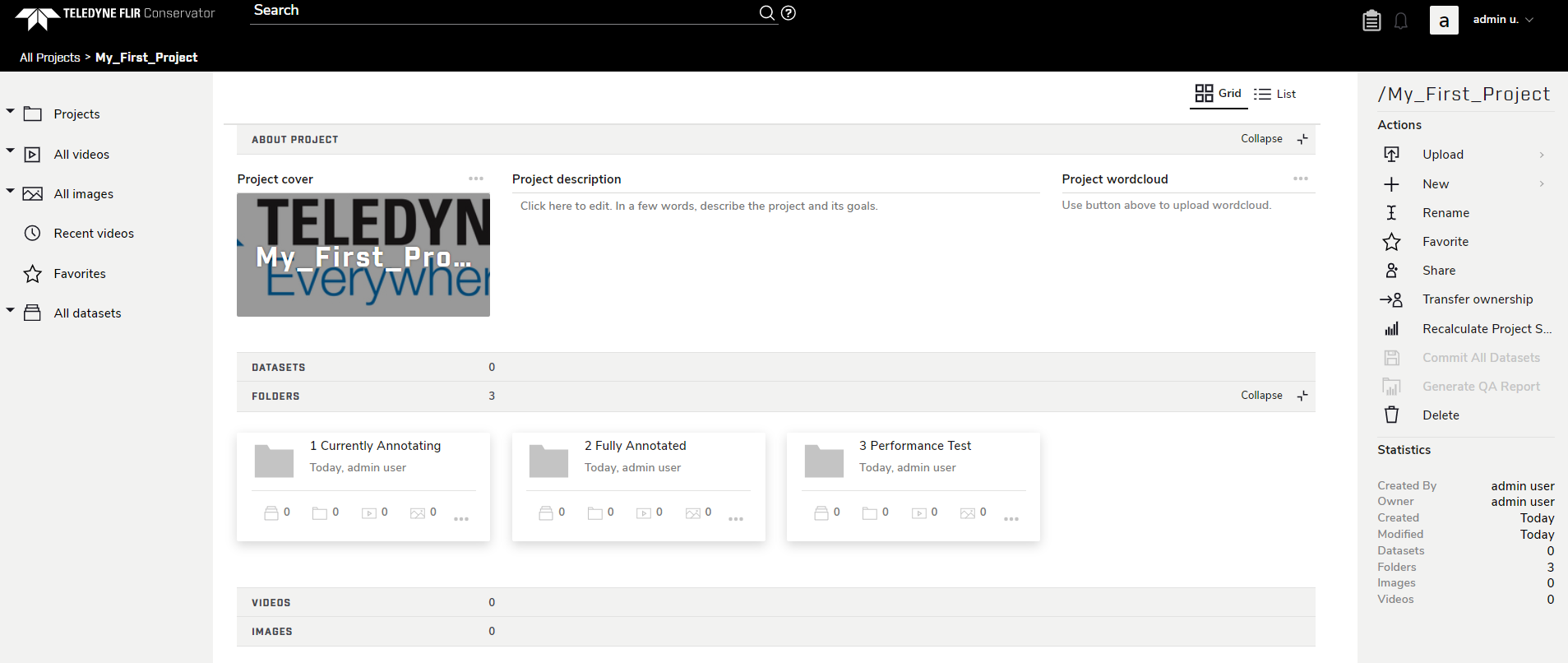
Every folder also has sections for Datasets, sub-Folders, and Images, so there are may different ways to structure a project; however, the folders shown above (1-Currently Annotating, 2-Fully Annotation, 3-Performance Test) are recommended as a base for the project. Note that Folders are displayed by alphabetical order, and numbering Folders can help preserve an organized workflow.