Creating a Dataset
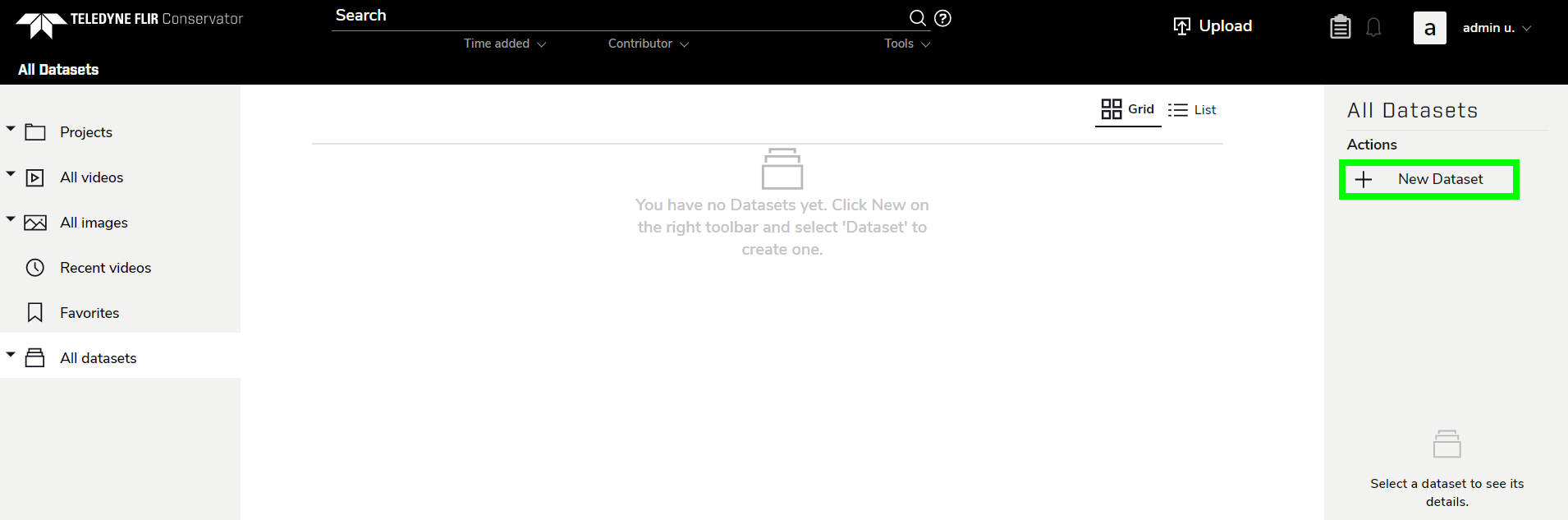
To add a Dataset, navigate to the All Datasets page.
Click New Dataset in the right sidebar.
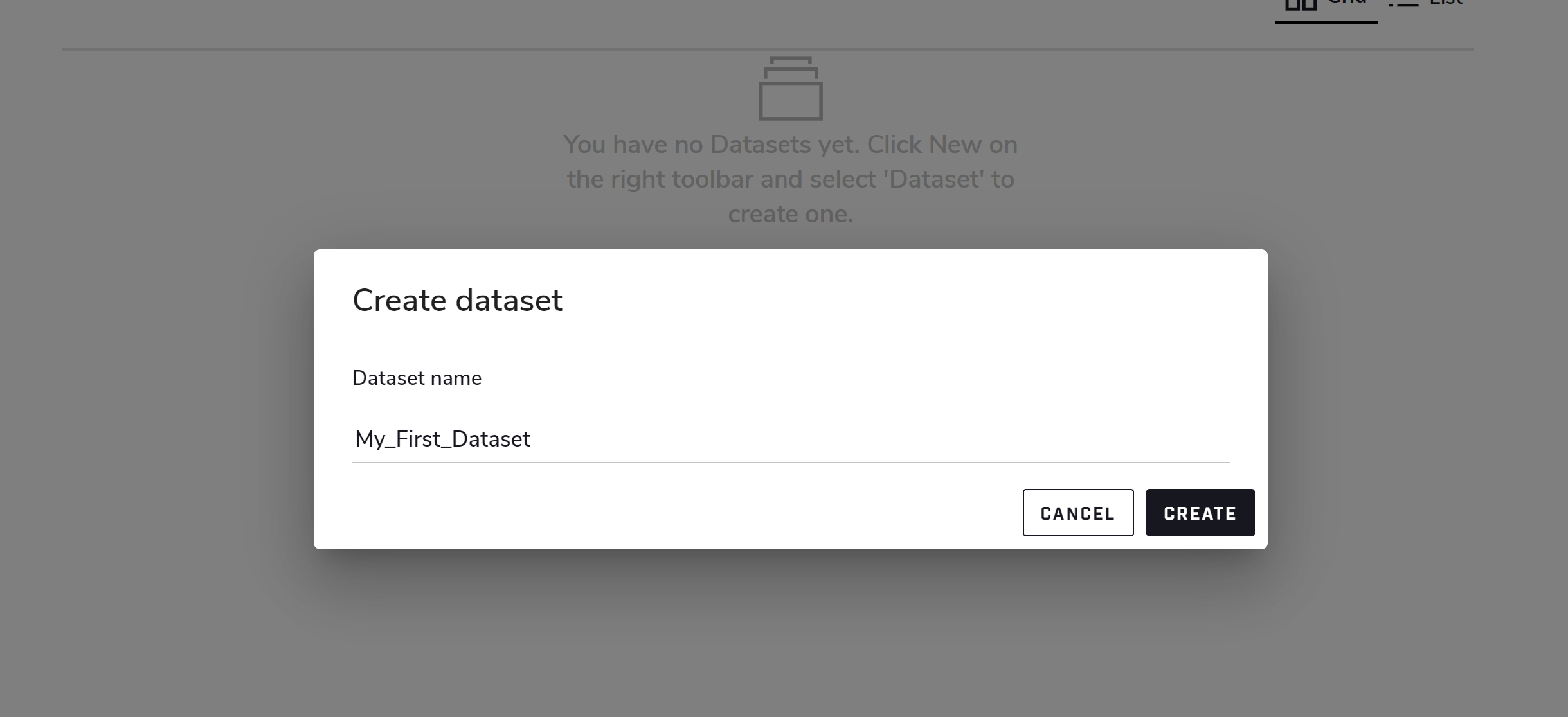
Enter the desired dataset name, then click Create.
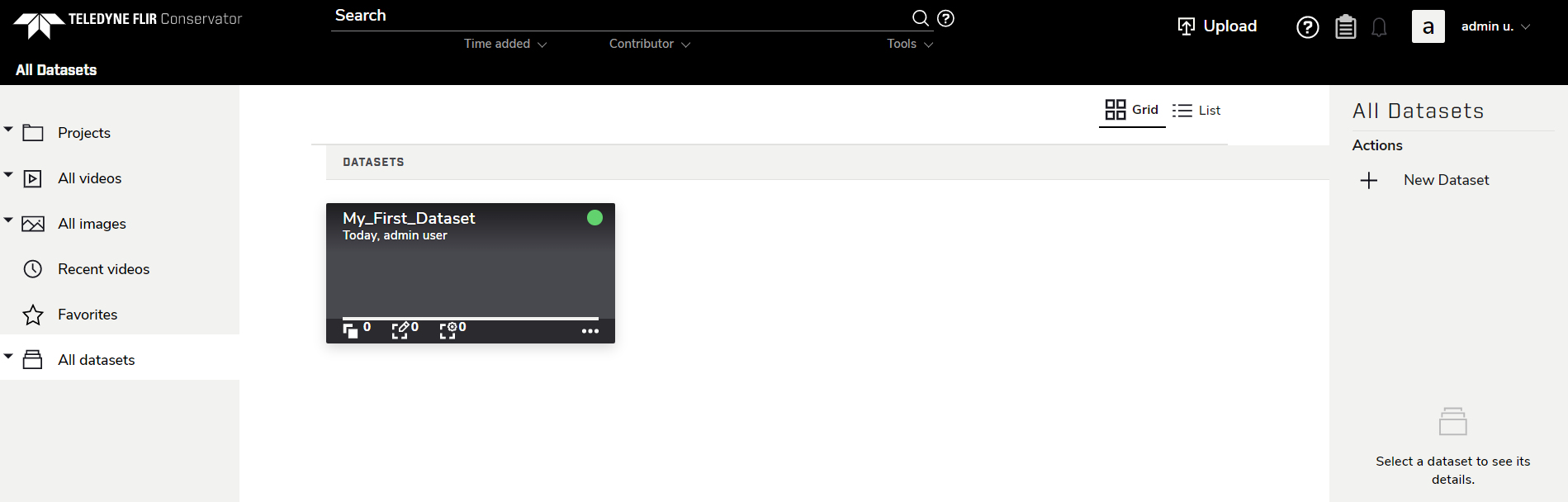
The empty Dataset will now be shown on the All Datasets page.
To add a Dataset, navigate to the All Datasets page.
Click New Dataset in the right sidebar.
Enter the desired dataset name, then click Create.
The empty Dataset will now be shown on the All Datasets page.